Settings: Help
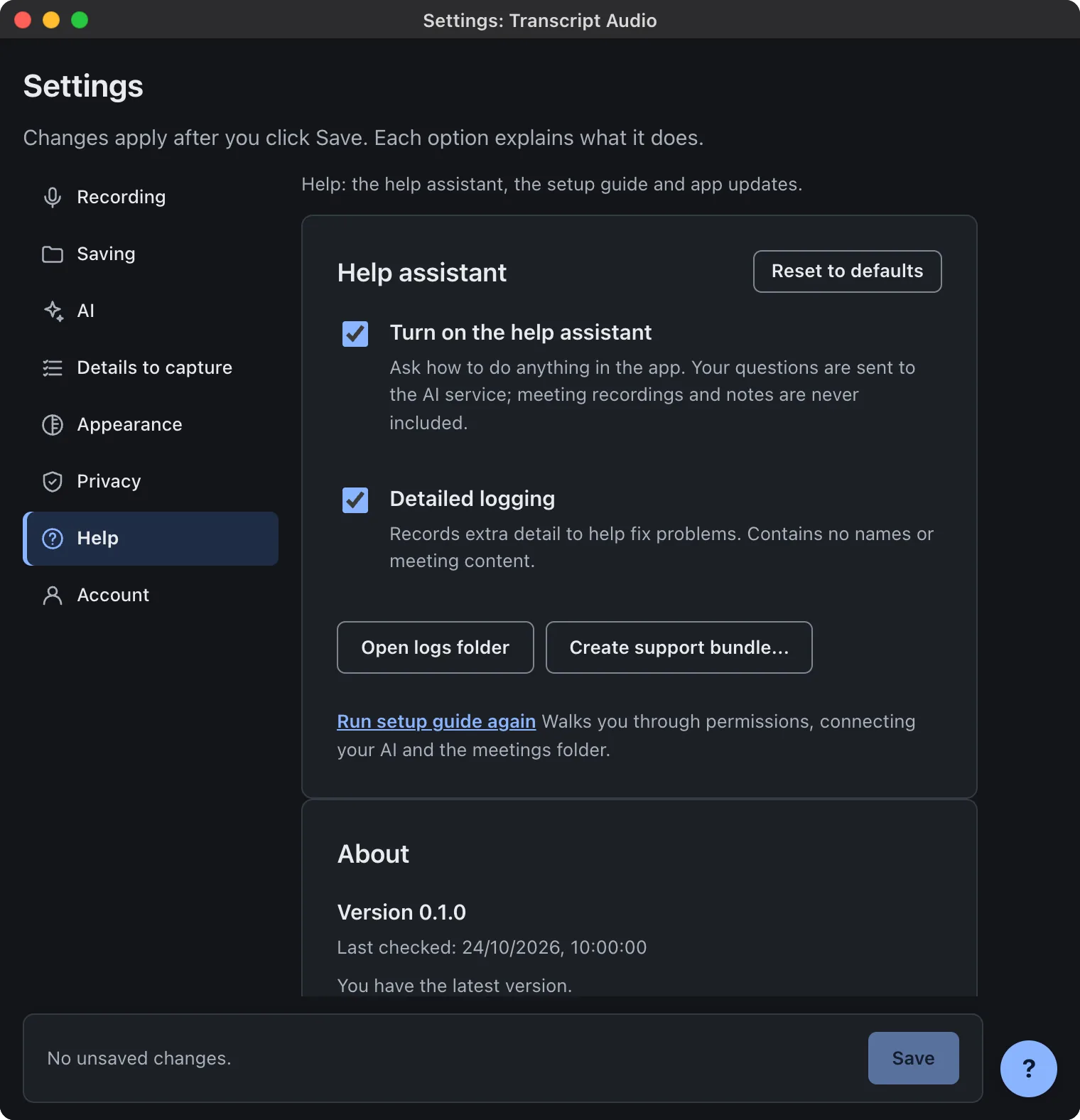
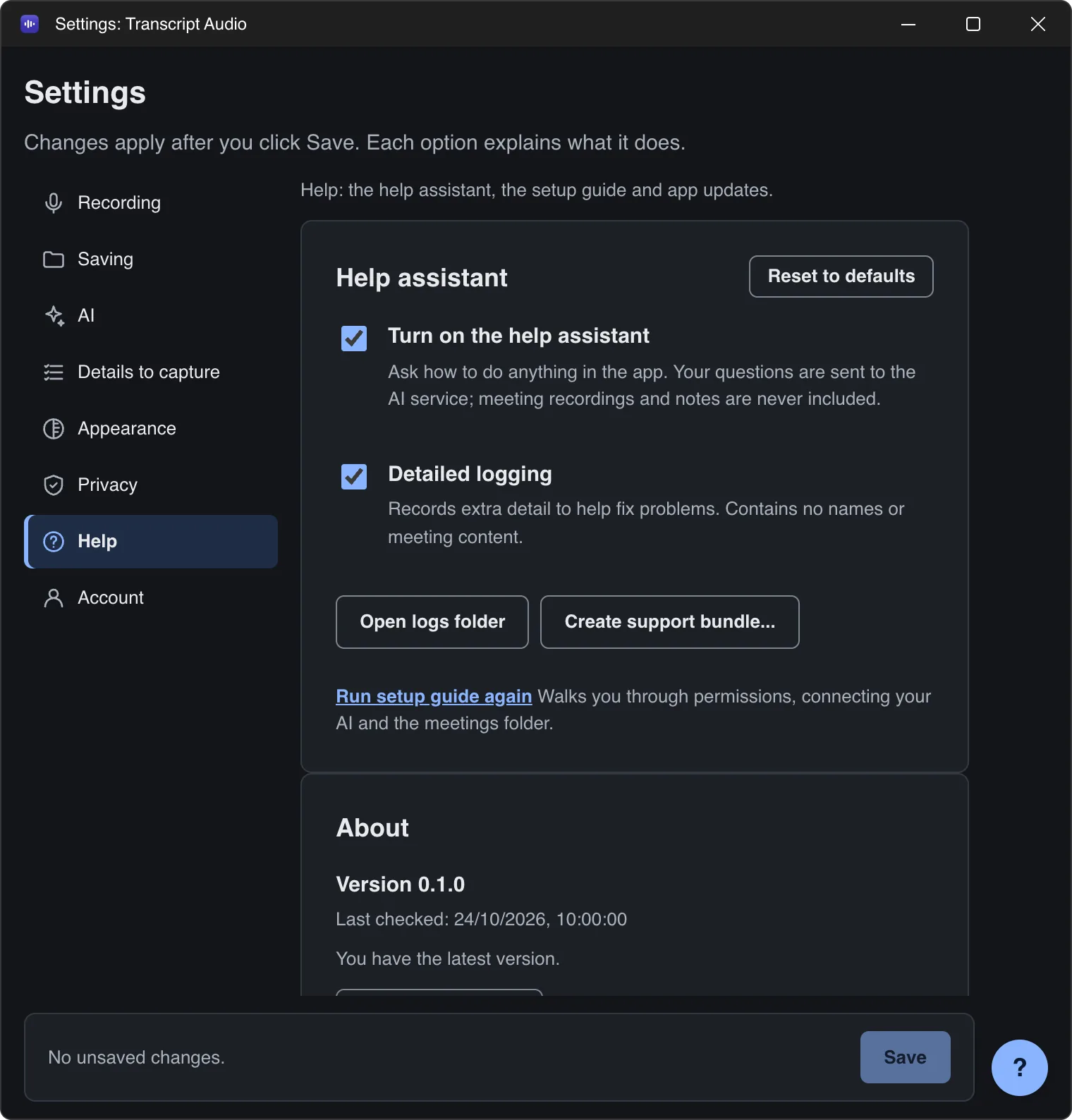
The Help tab in Settings: the help assistant, detailed logging, logs and support bundles, running the setup guide again, and app updates.
Last updated
Mac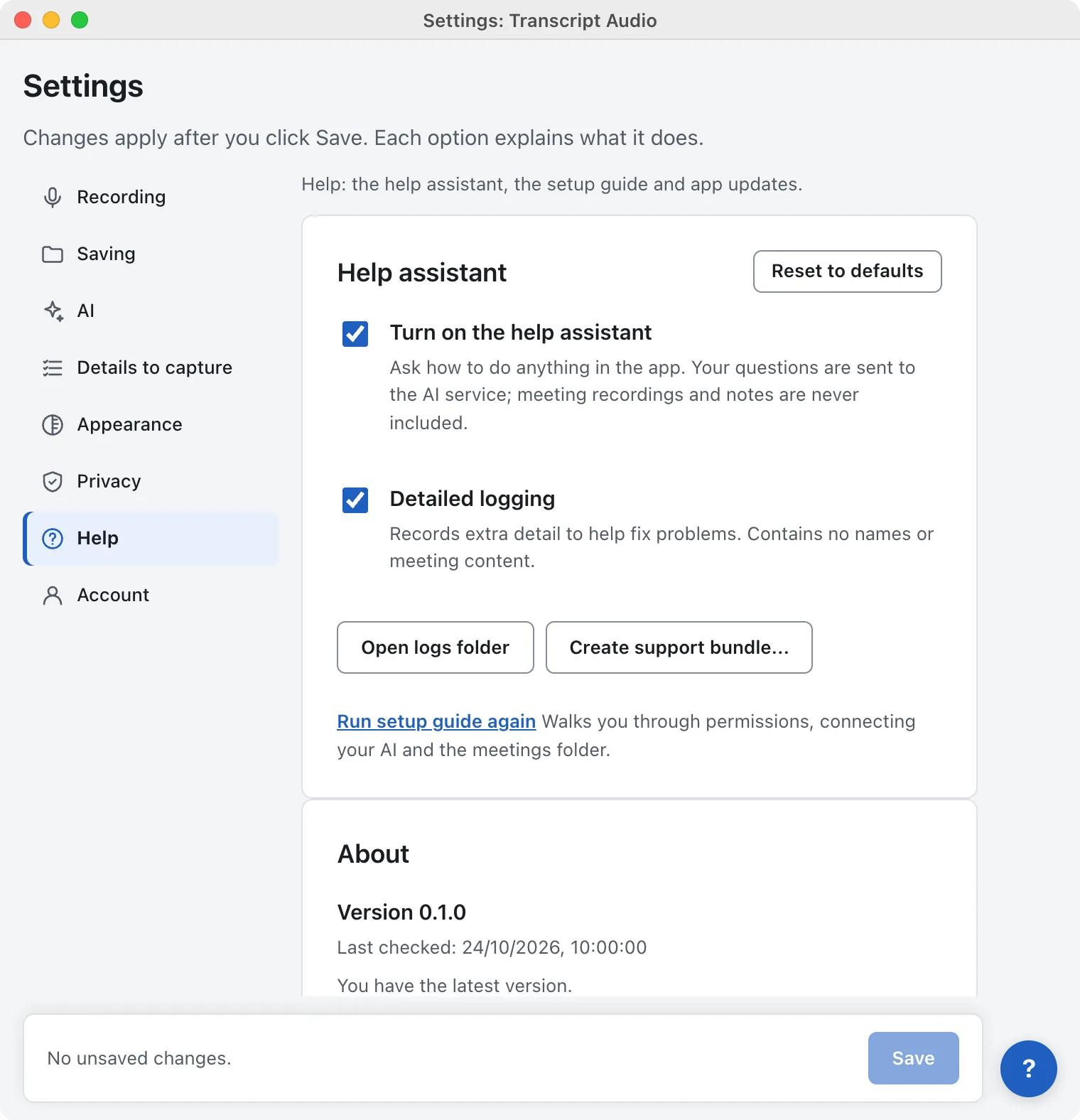
Windows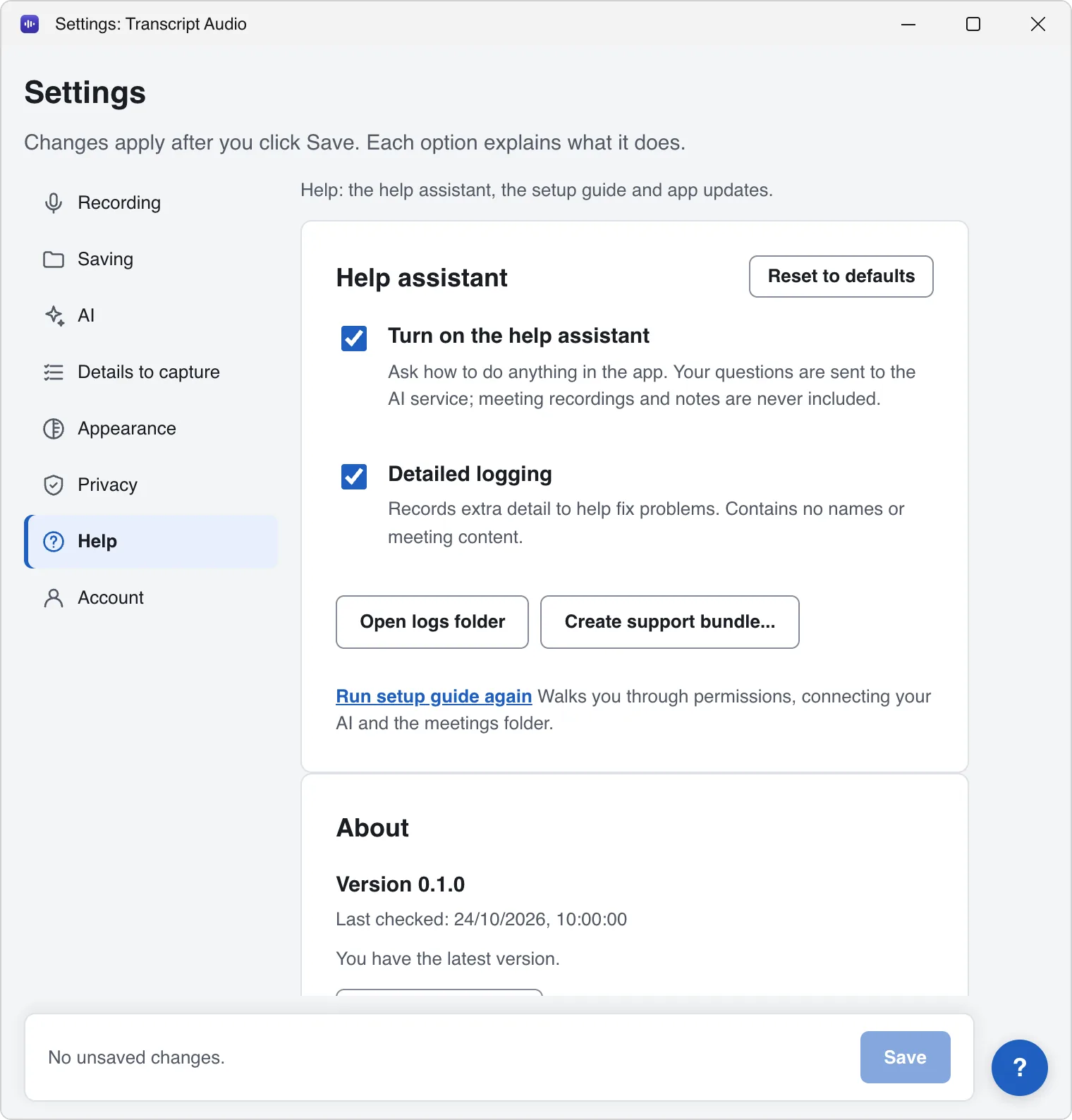
| Option | What it does | Default |
|---|---|---|
| Turn on the help assistant | The ? button in the app: ask how to do anything. Your questions are sent to the AI; meeting recordings and notes are never included. Off hides the button and nothing is sent. | On |
| Detailed logging | Records extra detail to help fix problems. Contains no names or meeting content. | Off |
| Open logs folder | Opens the folder with the app's logs. | |
| Create support bundle... | Makes one zip file on your Desktop to send to support. Nothing is uploaded. | |
| Run setup guide again | Walks you through setup again. |
About and updates
About shows your version, Last checked: and a Check for updates button. It also lists the open-source software used for on-device transcription (View licences). See Updates.
Still stuck? Contact us and we’ll help.