Features
Questions as you go: answers while the meeting is still happening
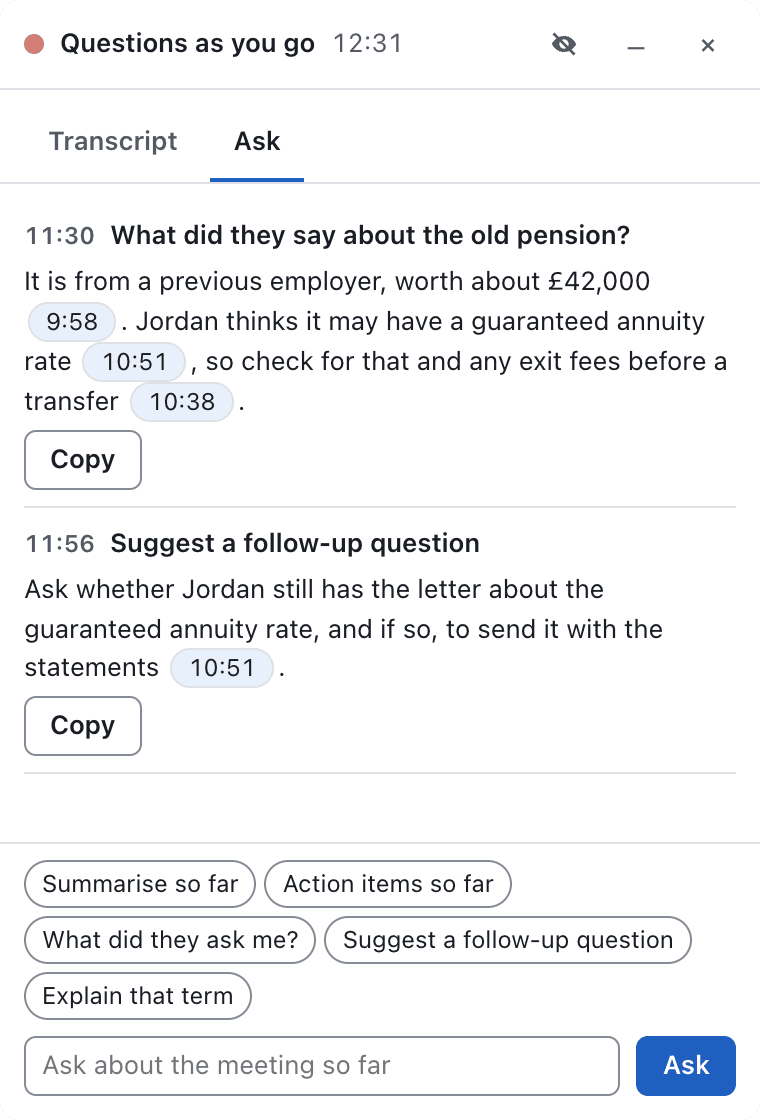
Missed a figure? Need a follow-up question? Ask Transcript.audio during the call and the answer appears in seconds, drawn from everything said so far.
Pro ConverserTry it free in 1 meeting a month on Free and Premium
How it works
When a recording starts, a small floating panel can open beside your call with a live transcript, each line timed and labelled.
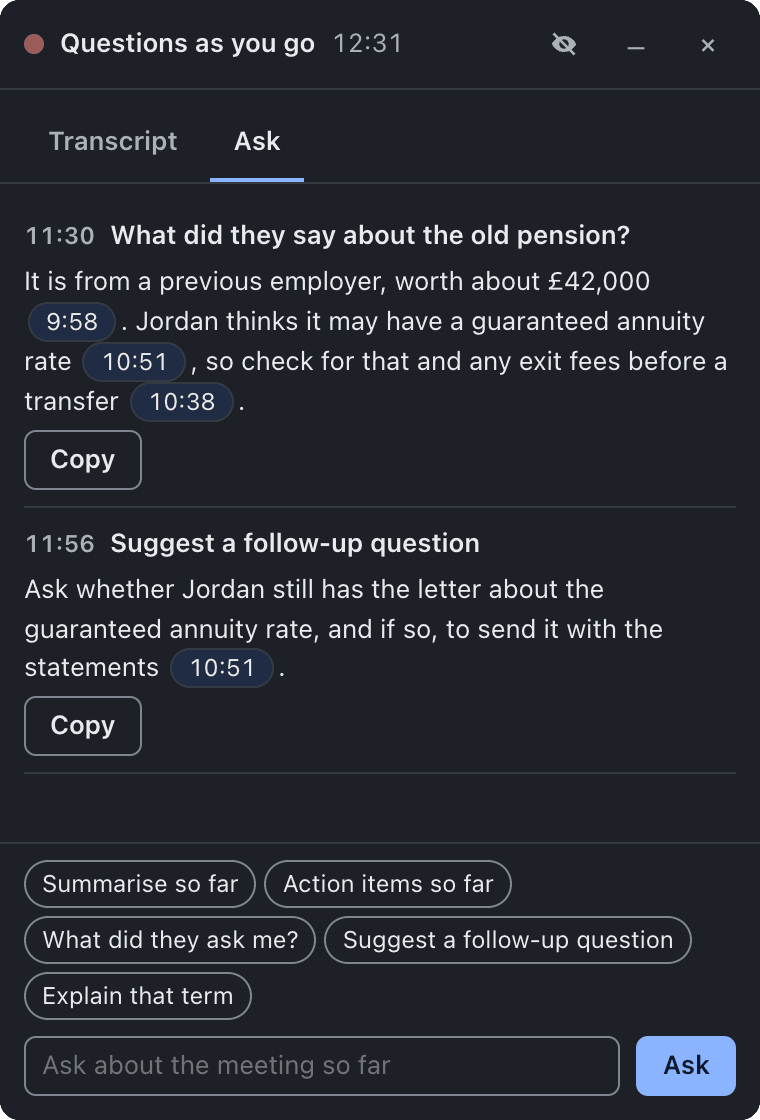
Type any question, or tap a quick question such as "Summarise so far" or "Suggest a follow-up question". The answer comes from the meeting so far and links to the moments it came from.
The panel stays out of screen shares unless you choose to show it, so only you see your questions. After the call, your questions and answers are saved with the meeting.
In privacy optimised mode the live transcript and answers run on your computer too.
What you get
Questions as you go
Ask about the meeting while it happens and get answers in real time.
Catch up on what you missed, check a figure, or find the right follow-up before the moment passes.
Pro ConverserTry it free in 1 meeting a month on Free and Premium
Learn more: Questions as you goA live transcript beside your call
Follow the conversation line by line in a small floating panel.
Glance back at what was just said without asking anyone to repeat it.
Pro ConverserTry it free in 1 meeting a month on Free and Premium
Learn more: A live transcript beside your callOne-tap quick questions
Summarise so far, action items so far, what did they ask me, suggest a follow-up, explain that term.
The questions you ask most are a single tap away, mid-conversation.
Pro ConverserTry it free in 1 meeting a month on Free and Premium
Learn more: One-tap quick questionsAnswers you can check
Every answer links to the moments in the transcript it came from.
One click shows you exactly what was said, so you can rely on the answer.
Pro ConverserTry it free in 1 meeting a month on Free and Premium
Learn more: Answers you can checkHidden when you share your screen
The panel stays out of screen shares unless you choose to show it.
Ask freely during a presentation: only you can see your questions.
Pro ConverserTry it free in 1 meeting a month on Free and Premium
Learn more: Hidden when you share your screenYour questions saved with the meeting
Everything you asked, and every answer, is saved in the meeting folder after the call.
The insights you found live are part of the record, not lost when the panel closes.
Pro ConverserTry it free in 1 meeting a month on Free and Premium
Learn more: Your questions saved with the meeting
Frequently asked questions
Can other people see my questions?
No. The panel is on your computer only and is hidden from screen sharing unless you switch that on.
Which plans include Questions as you go?
Pro Converser includes it in every meeting. Try it free in 1 meeting a month on Free and Premium.
What can I ask?
Anything about the meeting so far: what was agreed, what a figure was, what someone asked you, or a good follow-up question. Each answer links to the transcript so you can check it.
Is it saved?
Yes. Your questions and answers are saved in the meeting folder after the call.
Related features
Try it on your next meeting
Download free and your first meeting notes are minutes away. No bot, nothing to set up.
Try Pro Converser free for 1 month. All future updates included, free.